

MOTION STUDY · 4 SEC
Product in focus
A cinematic push into a warm product scene.
Teragrid Studio is a chat-based platform for AI-generated content (AIGC), headquartered in Penang, Malaysia. Create AI videos, generate images and plan storyboards. Edit photos, produce voiceovers and music, then assemble your content in Film Editor. Review models, references and credits before generating.
Create an account to review plan access and credits. Generation requires sufficient credits and service availability.Action that moves. Cars with presence. Products with a story. Twelve new films, created with MiniMax H3 Max Turbo at 1080p.
15 SEC / MULTI-SHOT / MINIMAX H3 MAX TURBO Cars15 SEC
A grand touring escape in copper and gold.
 Action15 SEC
A rain-soaked chase with real momentum.
 Fashion15 SEC
Streetwear with a cinematic pulse.
 Commercials15 SEC
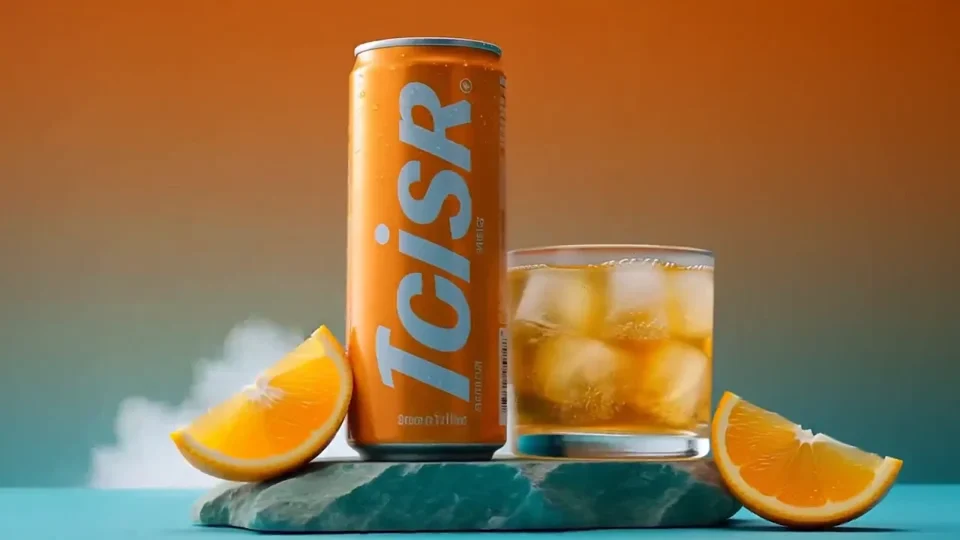
Cold refreshment. High-energy cuts.
 Cars15 SEC
Precision, speed and city light.
 Action15 SEC
Four cuts above the city.
 Products15 SEC
Dark glass. Light in motion.
 Fashion15 SEC
Fluid fabric. Sculptural light.
 Products15 SEC
Sculpted metal. Four cinematic views.
 Commercials15 SEC
Performance in every frame.
 Commercials15 SEC
A restaurant story with heat.
 Commercials15 SEC
A destination in four unforgettable moments.
Original AI-generated films with multi-shot direction. Silent web editions. Results and continuity vary by model and brief.
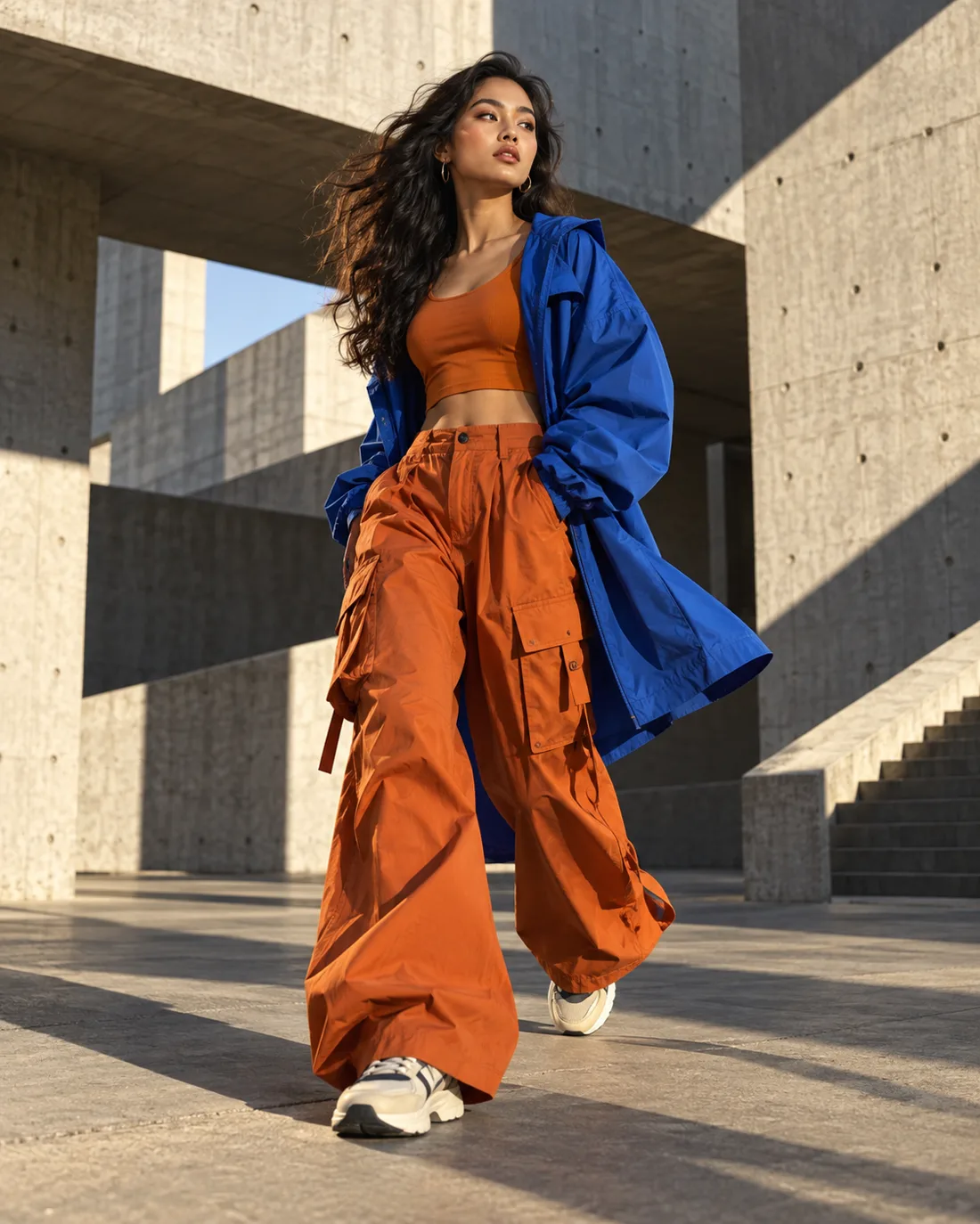
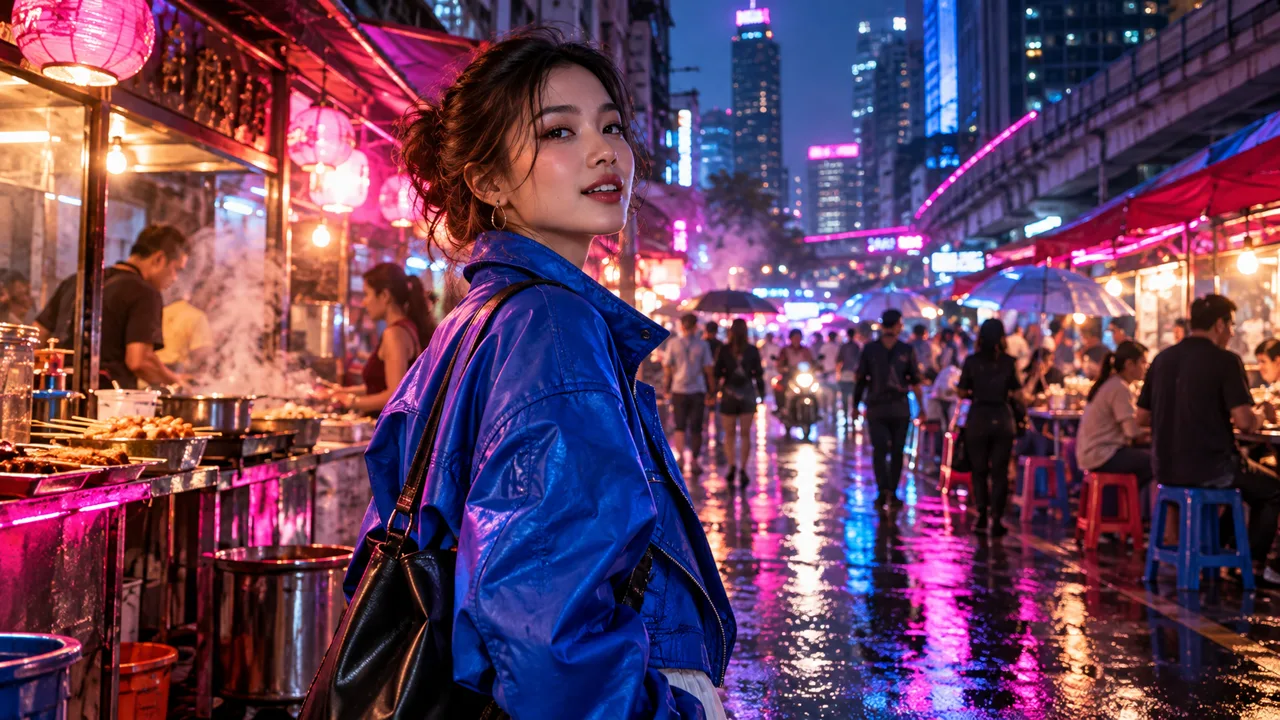
Three new campaign image concepts, followed by a collection of frames from the films. Explore the detail, lighting and visual direction.

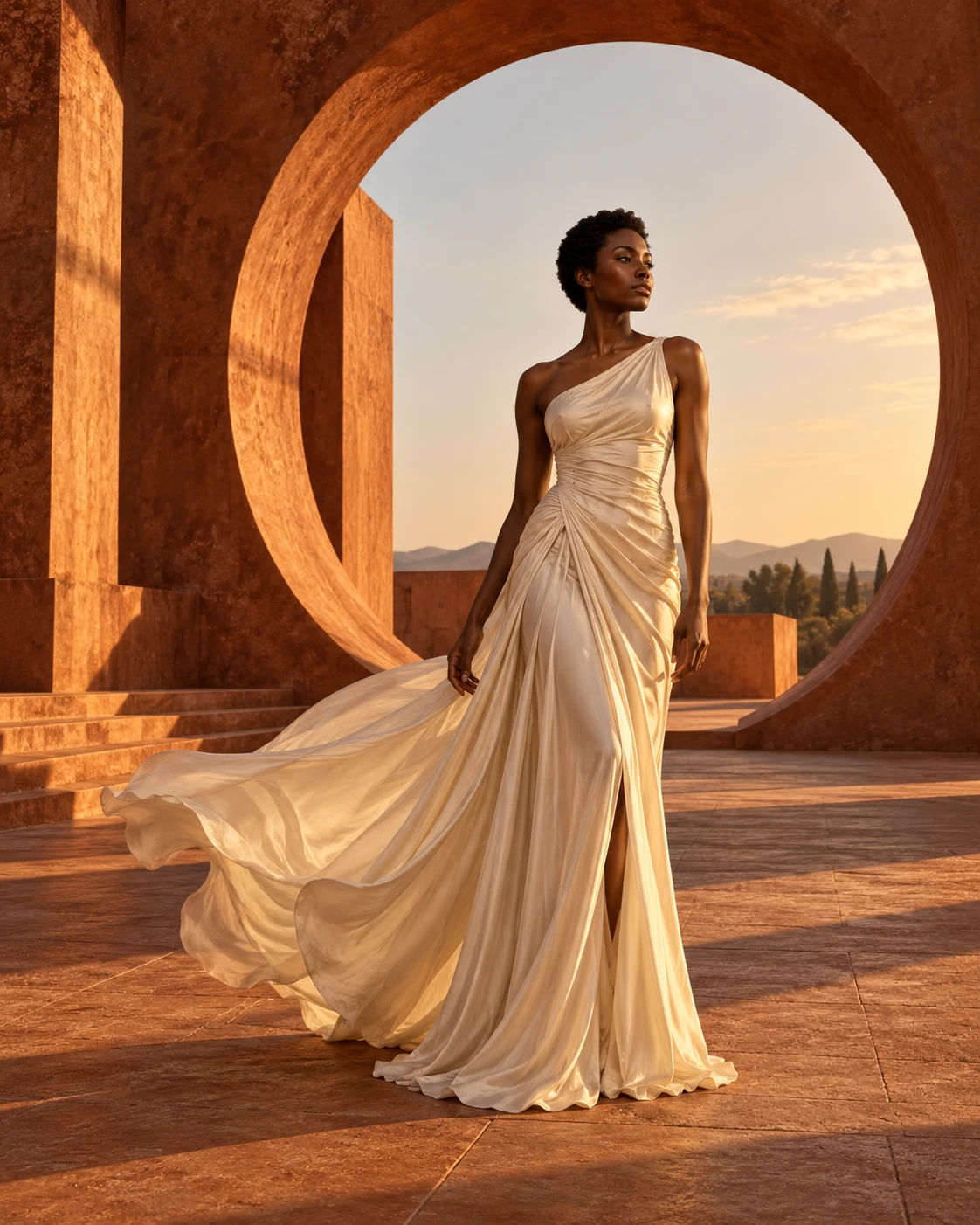
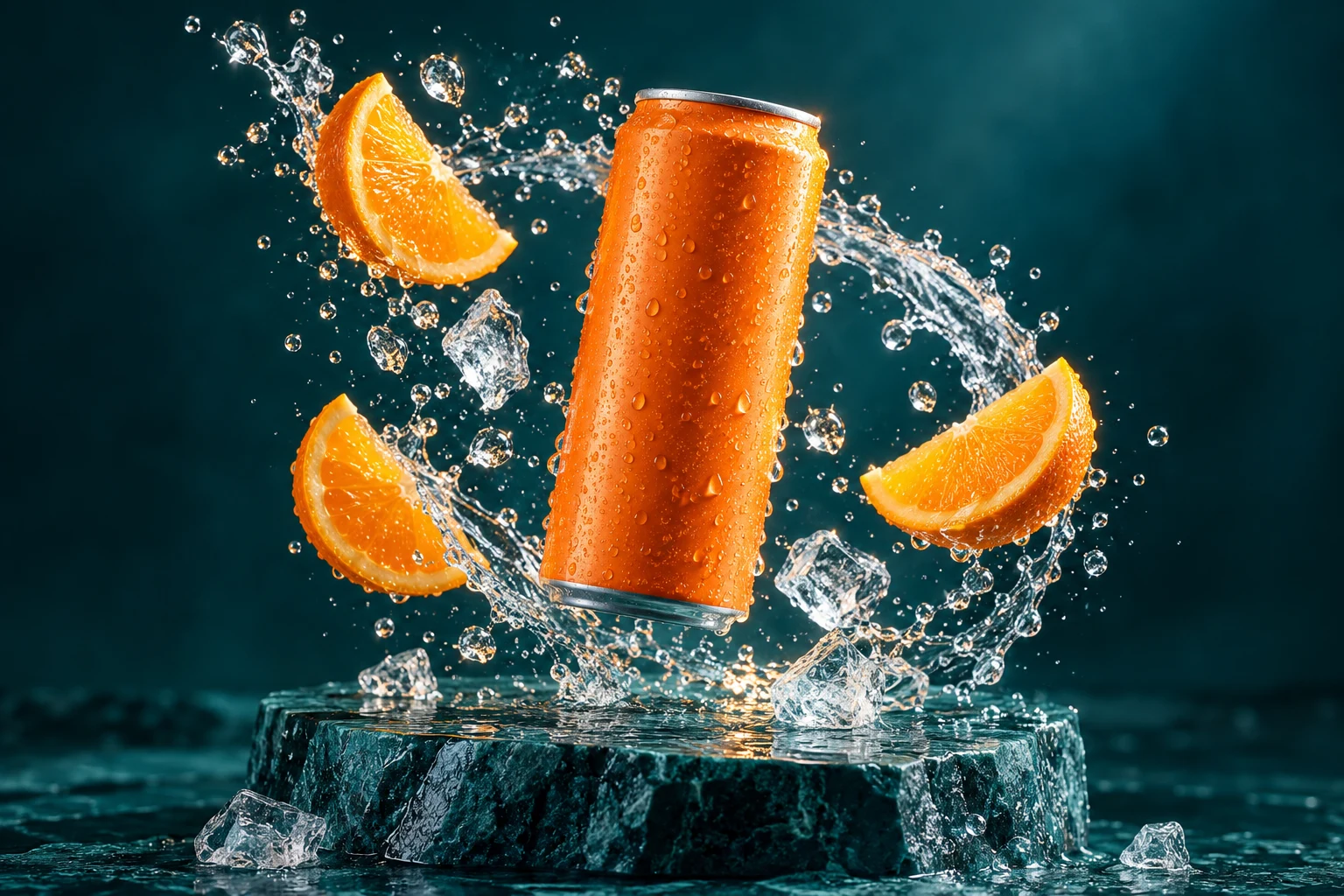
Film stills · select a frame to open the image.
 Desert grand tour ↗
 Midnight pursuit ↗
 Urban runway ↗
 Citrus burst ↗
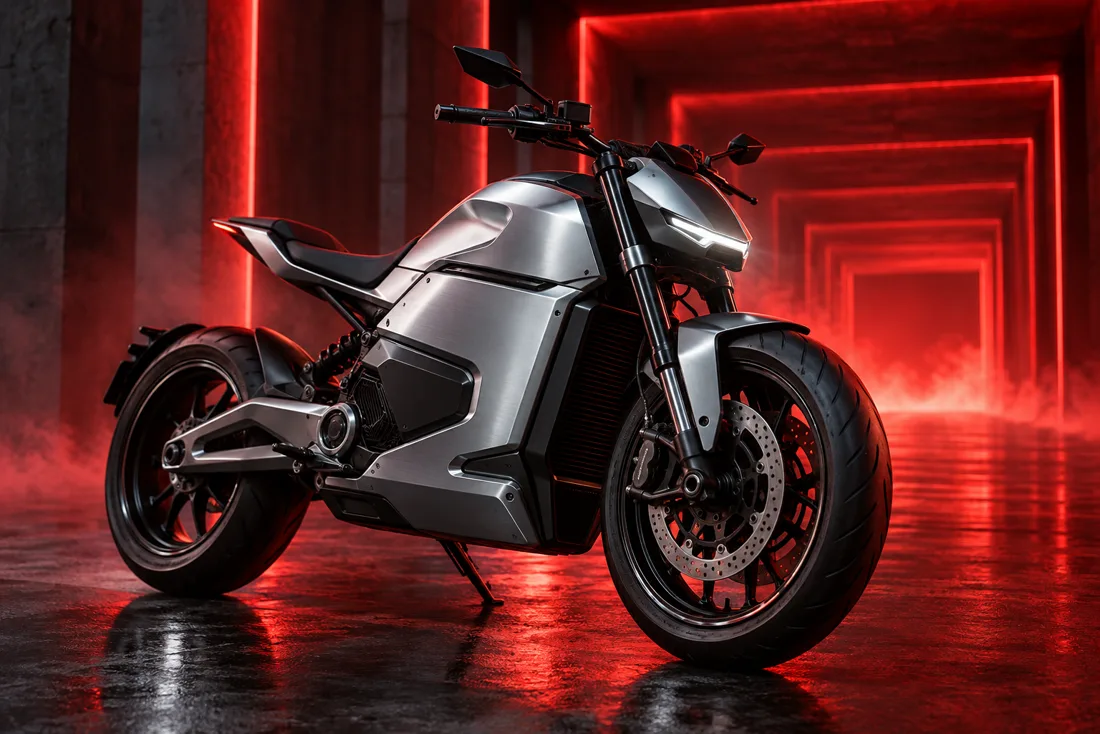
 Electric apex ↗
 Skyline courier ↗
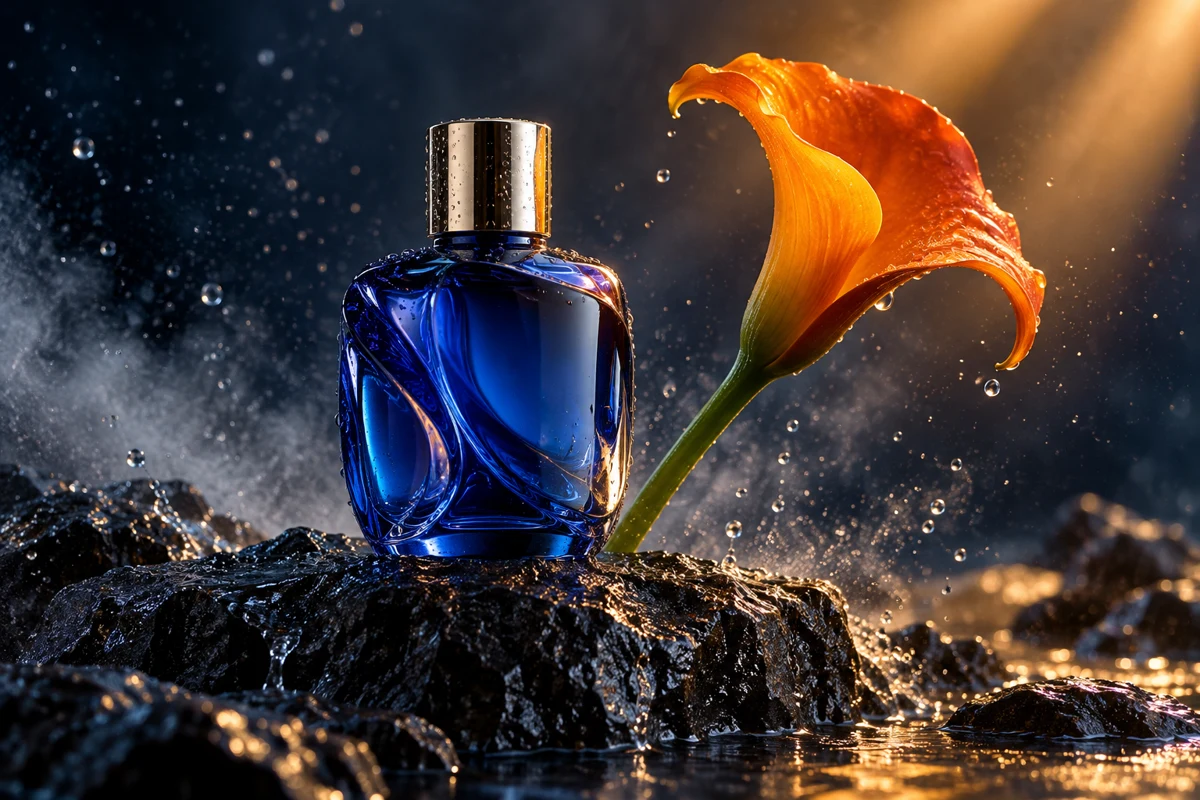
 Obsidian scent ↗
 Silk in motion ↗
 Titanium hour ↗
 Velocity lab ↗
 Fire and flavor ↗
 Tidal escape ↗
 Desert grand tour ↗
 Desert grand tour ↗
 Midnight pursuit ↗
 Midnight pursuit ↗
 Urban runway ↗
 Urban runway ↗
 Citrus burst ↗
 Citrus burst ↗
 Electric apex ↗
 Electric apex ↗
 Skyline courier ↗
 Skyline courier ↗
 Obsidian scent ↗
 Obsidian scent ↗
 Silk in motion ↗
 Silk in motion ↗
 Titanium hour ↗
 Titanium hour ↗
 Velocity lab ↗
 Velocity lab ↗
 Fire and flavor ↗
 Fire and flavor ↗
 Tidal escape ↗
 Tidal escape ↗
Inspired by a direction? Bring your product, references and objective into the conversation.
Request an inviteExplore product posters, UGC-style videos and cinematic examples across SME industries. Find a direction for your brand, then adapt a template in your signed-in workspace.
Create this for your brand ↗
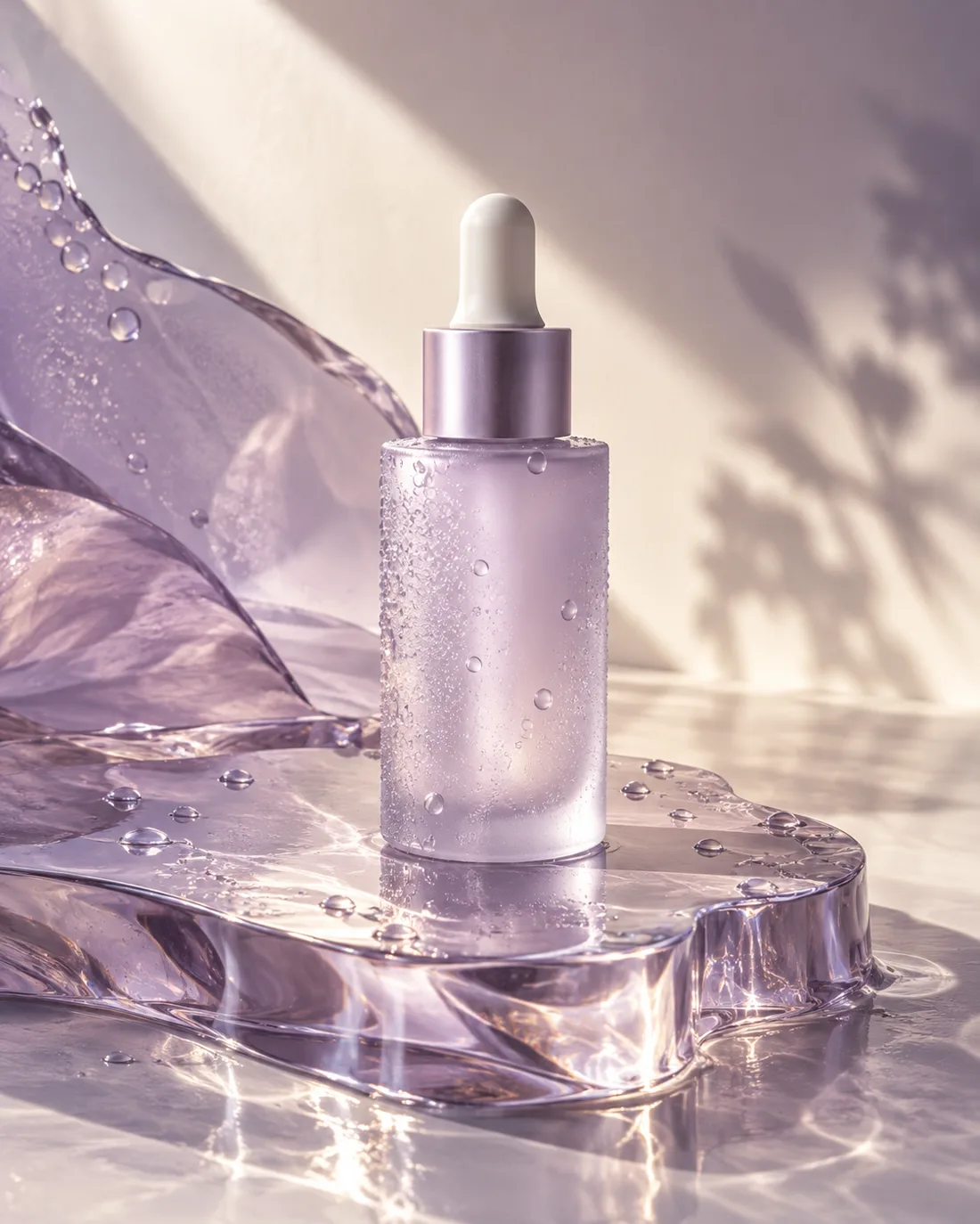
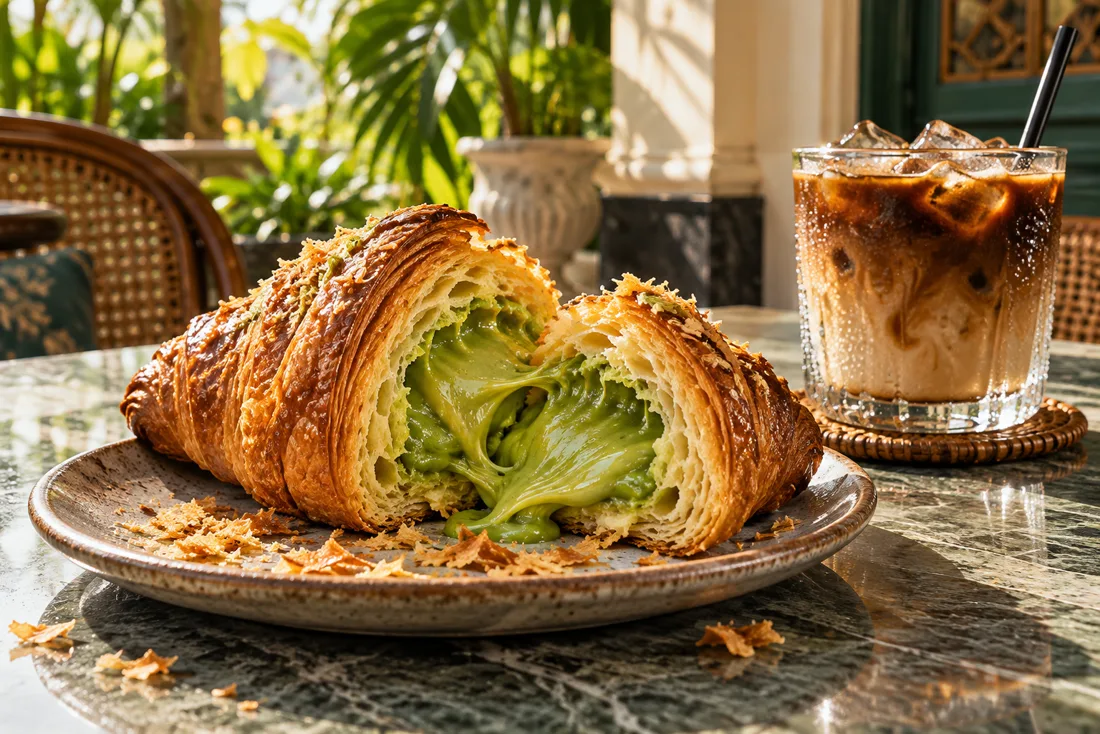

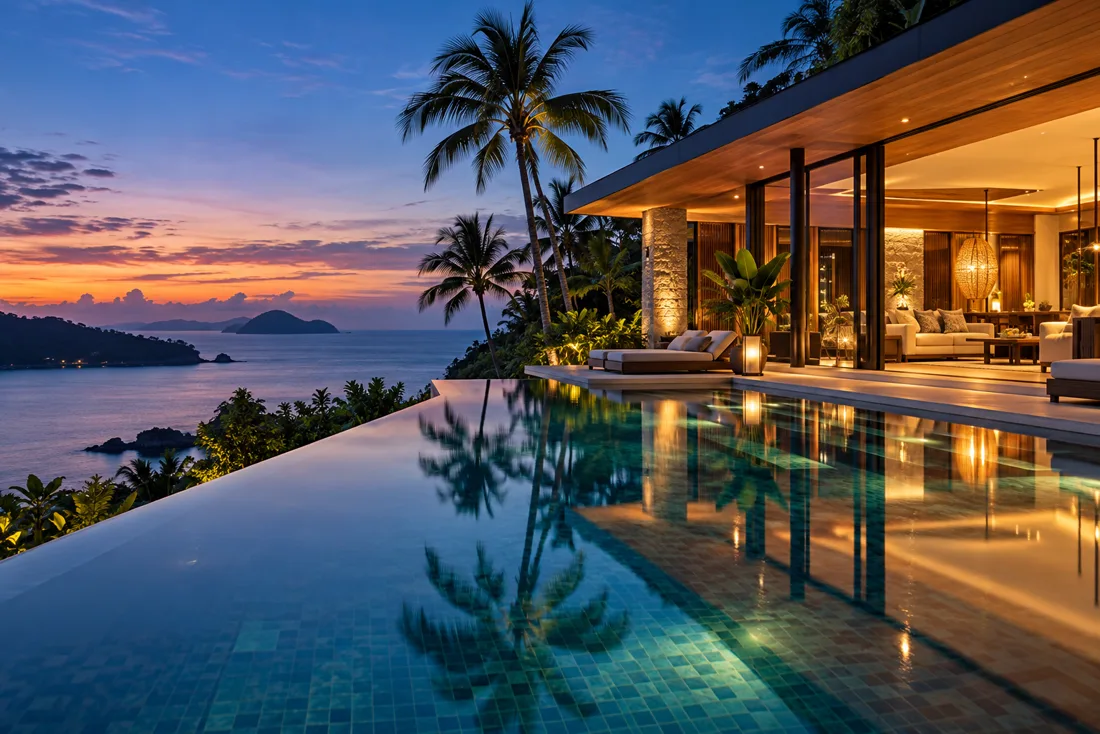
Three short films show how a single idea can become a product story, a food moment, or a place you want to visit.
Light, texture, and a little drama.
Cravings in motion.
A change of scene in seconds.
Three quick cuts move from a wide courtyard fight to the warrior up close, then the gate erupts into fire. Watch with sound for the clashes, ice and blast.
5 sec · 720p · 16:9 · generated audio · motion referenceThese three films were created with MiniMax H3 Max Turbo at 768P using only a text prompt. Each has three edited shots, showing how a lower-cost model can still bring movement, atmosphere and detail to a story. Explore the model ↗
A rider cuts through city rain. Create this for your brand ↗
A maker story in three shots. Create this for your brand ↗
Three cuts, one striking look. Create this for your brand ↗
Anime, sports TVC, handheld UGC and movie action. Four original 8-second films, each built from three clear shots with active camera work. Find the creative direction for your next campaign.
An anime courier leaps across rooftops. Create this for your brand ↗
An athletic shoe story at full speed. Create this for your brand ↗
A lively handheld run after dark. Create this for your brand ↗
A chase through a rain-soaked harbor. Create this for your brand ↗
Build product videos, social media ads, storyboards and voiceovers from a clear creative brief. Explore the tools below, then choose the workflow that fits your next campaign.
Tell the assistant your product, audience and goal. It asks for missing details and prepares a creative brief. Refine it in the same chat, review the estimated credits, then generate when your account has access.
See the creation flow ↗Create product photography, posters and campaign images with the AI image generator. Use Edit photo to mark a person or object and describe the change in chat. Supported references, editing models and credits vary; inspect the result before publishing.
Compare image models ↗Choose Video, a model and duration. Open Options for supported ratios and resolutions. Describe camera movement and shots; attach opening frames or multiple references where supported. Longer edits and combining clips are separate editing steps.
Compare video models ↗Plan shots with the AI storyboard generator, then add authorised images or documents to guide the scene. Open + to attach references and label their purpose. Use individual storyboard frames for video creation with a compatible model; review character and product continuity between shots.
How references work ↗Create narration in Voice Studio with preset voices or a voice reference you have permission to use. Download the speech recording and upload it to Avatar creation to animate a portrait.
Explore the workspace ↗Browse templates by industry and content type, then adapt a direction to your own product. Projects save your chat, composer settings and references so you can reopen them and continue creating.
Create content for your brand ↗Describe the mood, genre and instruments in Music chat. Prepare an instrumental soundtrack or a song with lyrics where the selected model supports it. Review the brief and credits, then listen to the generated audio; actual duration and results vary by model.
Explore AI music generation ↗Compare model choices, see a credit estimate for supported requests and track usage in your account. See your plan, billing and usage in Settings. Generation requires an eligible account and sufficient credits.
See plans and credits ↗Select Avatar creation under Creative task, upload one portrait and a speech recording, then choose an avatar model. Speech sets the duration; the portrait sets the appearance. Review the credit estimate before creating.
Learn avatar creation ↗Creator and Studio plans include Video to Prompt by default; permissions can be adjusted by an administrator. Analyse an accessible YouTube, TikTok or public Facebook video, or upload a supported short clip. Review the scene breakdown and editable prompt before planning your own video.
Explore video analysis ↗Use Film Editor to arrange clips, trim shots and adjust video speed. Add transitions, captions, voiceovers and music, then preview the sequence before exporting. AI generation and timeline editing are separate steps; Film Editor access depends on your plan.
Explore the workspace ↗Projects and navigation on the left. Your conversation in the centre. Generated results on the right. Drag the dividers to give your work more room.
Read the step-by-step guide ↗Choose Image, Video or Music, or select Avatar creation under Creative task. Describe what you need, dictate with the microphone, or start from an industry template.
Open + to attach images, documents, video or audio. Set each image’s purpose from its thumbnail. Choose a model; use Options for supported ratios and resolutions, and the duration selector for video or music. Avatars use your speech recording’s length.
Answer the assistant’s questions and refine the direction in chat. Check the prompt, references and credit estimate, then choose Generate when your account has access.
Review and download results on the right. Choose Make video on a completed image to animate it, or Use in chat for another image. Reopen the saved project to continue the conversation.
Practical answers about product videos, prompts, credits and usage.
Upload an authorised product photo, describe your audience and one approved message, then review the proposed shot plan. Choose a compatible video model, aspect ratio and duration. Check the credit estimate before generating, review the result, and assemble approved clips in Film Editor when your plan includes it.
Choose the model around your shot, rather than a universal ranking. Compare reference support, duration, resolution and credit cost. A simple product shot may need fewer controls than a scene with several references. Test a short clip first, and inspect product identity, lettering and movement before making a longer campaign.
The cost depends on the model, resolution, duration and how you purchase credits. Our model comparison shows live credit examples and an illustrative RM equivalent based on the Starter monthly allowance, before SST. Your Studio generation estimate and the current subscription or top-up price remain the amounts to review before purchase.
At the current Nano Banana 2.1 1K setting of 5 credits per image, 500 credits cover up to 100 images. Other models, resolutions and editing settings use different amounts. These are maximum examples if you spend the full balance on that setting; video, voice and other requests also use credits.
You can combine an authorised portrait with a speech recording in the Avatar workflow. Prepare and listen to the Malay or Chinese narration first, then choose a compatible avatar model. Language support and pronunciation depend on the selected voice model, so review names, local accents and lip movement before publishing.
Check the current Teragrid Studio terms and the terms of the selected model provider before commercial use. You must have permission for uploaded photos, logos, voices and other references. Review the result for rights, factual accuracy and brand details; generation does not automatically clear third-party rights or guarantee exclusivity.
Unused subscription credits expire at the end of each monthly credit cycle and do not carry forward. Purchased top-up and Studio Pack credits carry forward until used. An active subscription is required for credit purchases. Check your account balance and billing details before choosing a plan or buying more credits.
Describe the subject, audience and one clear outcome. Add the setting, lighting, camera angle and movement for video, plus any approved text and authorised references. State what must stay unchanged. If you already have a detailed prompt, keep it in the brief and review the settings and credits before generation.
Teragrid Studio is a chat-based AI creative workspace operated by AITG Sdn Bhd in Penang, Malaysia. Creators, artists, designers and business teams can plan images, videos, storyboards, music and talking-avatar content, then review supported models, references and generation credits. Available tools depend on account permissions and the selected plan.
AITG Sdn Bhd operates Teragrid Studio from Penang, Malaysia, under registration number 202601016521 (1678618-W). Studio is the creative workspace in the AITG product family, distinct from the enterprise agent products. See the About page for the operator, contact details and links to the corporate website.
Creator and Studio accounts include Video to Prompt by default. Open All tools to analyse an accessible YouTube, TikTok or public Facebook video, or upload a supported clip. Review the shot breakdown, speech and editable prompt, then bring the direction into chat. Analysis uses credits; generating a new video is a separate step.
AIGC means AI-generated content, including images, video, voice and music made with generative AI. Teragrid Studio, operated by AITG Sdn Bhd in Penang, gives Malaysian creators a chat-based workspace to plan and generate that content. Choose a task, add authorised references and review the model, settings and credit estimate before generating.
Compare model costs ↗ · See current plans ↗ · Read the usage terms ↗
Use credits for images and video in the same workspace. Each request shows its credit cost before you generate.
Billed monthly. Credits are added after each paid month.
Pay once for the year. The price shown is the monthly equivalent; your credits are released each month.
Base RM69.00 + 8% SST RM5.52
Total RM74.52 / month
RM703.80 billed yearly
Save 15% compared with monthly billing.
Base RM703.80 + 8% SST RM56.30
Total RM760.10 / year
500 credits each month; unused subscription credits expire each monthly cycle.
Base RM199.00 + 8% SST RM15.92
Total RM214.92 / month
RM2029.80 billed yearly
Save 15% compared with monthly billing.
Base RM2029.80 + 8% SST RM162.38
Total RM2192.18 / year
1,500 credits each month; unused subscription credits expire each monthly cycle.
Base RM529.00 + 8% SST RM42.32
Total RM571.32 / month
RM5395.80 billed yearly
Save 15% compared with monthly billing.
Base RM5395.80 + 8% SST RM431.66
Total RM5827.46 / year
4,000 credits each month; unused subscription credits expire each monthly cycle.
RM2,999 Launch price · save RM500
Base RM2499.00 + 8% SST RM199.92
Total RM2698.92
22,000 credits to use until spent.
Buy once whenever you need more credits. Every pack adds to the same balance.
Base RM20.00 + 8% SST RM1.60
Total RM21.60
Up to 30 Nano Banana 2.1 1K images
or 15 MiniMax H3 Max Turbo 480P videos of 5 seconds.
Base RM50.00 + 8% SST RM4.00
Total RM54.00
Up to 84 Nano Banana 2.1 1K images
or 42 MiniMax H3 Max Turbo 480P videos of 5 seconds.
Base RM150.00 + 8% SST RM12.00
Total RM162.00
Up to 260 Nano Banana 2.1 1K images
or 130 MiniMax H3 Max Turbo 480P videos of 5 seconds.
Base RM500.00 + 8% SST RM40.00
Total RM540.00
Up to 880 Nano Banana 2.1 1K images
or 440 MiniMax H3 Max Turbo 480P videos of 5 seconds.
Examples use all credits on one model; image and video counts are alternatives, not separate allowances. Your actual count changes with model, resolution, duration and credit rates. Subscription credits expire each monthly cycle. Purchased top-up and Studio Pack credits carry forward until used. Sign in to review plan eligibility and the final payment amount before purchase.
Create an account, choose a creative task and review your plan and generation credits.
Sign in to continue a saved project, review your plan and see your available credits.