
MOTION STUDY · 4 SEC
Product in focus
A cinematic push into a warm product scene.
Chat your way from an idea to images, videos, music and talking avatars. Add references, choose your model and review the credits before you create.
Access is currently by invitation. Generations use account credits and the available generation budget.Explore product posters, UGC-style videos and cinematic examples across SME industries. Find a direction for your brand, then adapt a template in your signed-in workspace.
Create this for your brand ↗
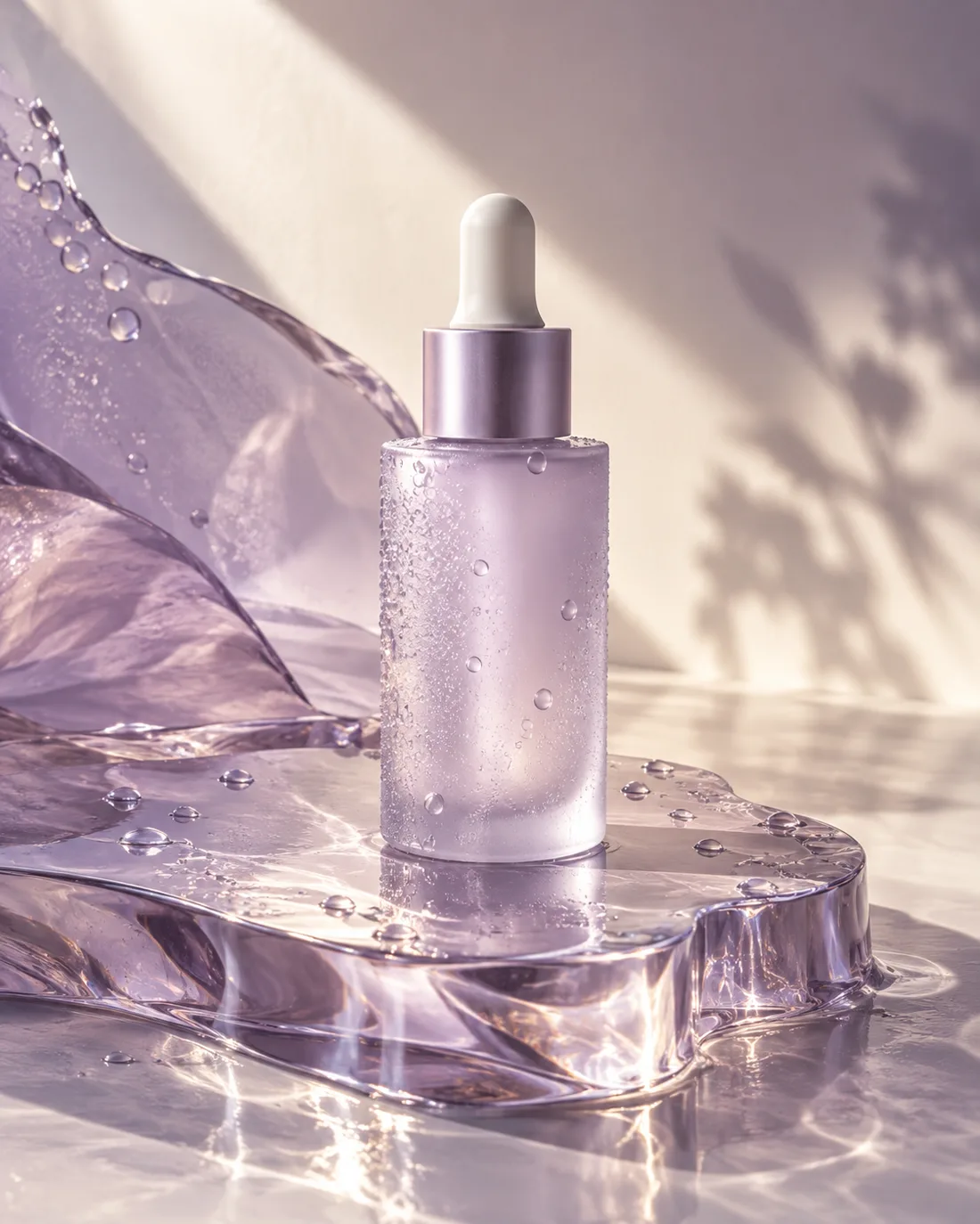
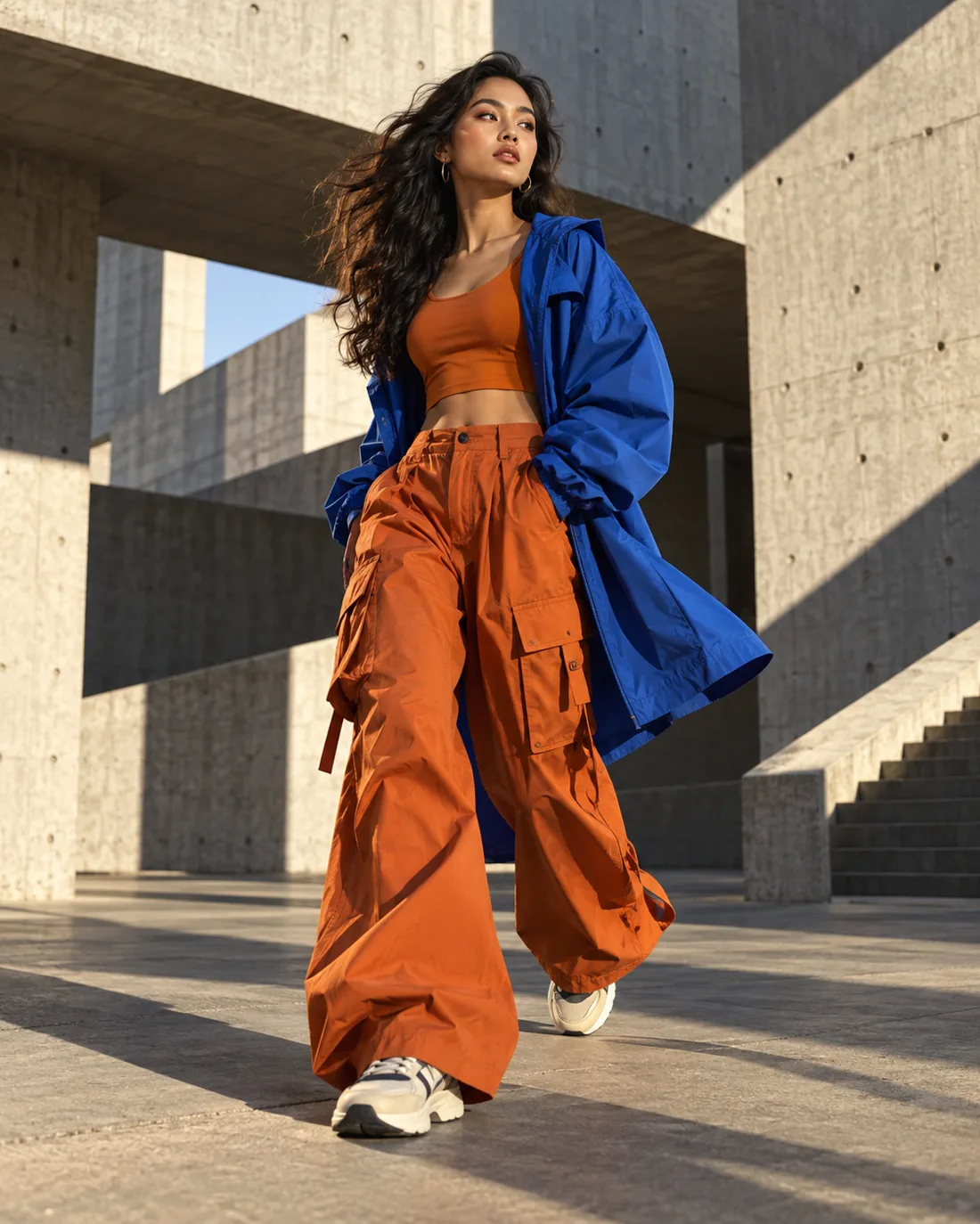
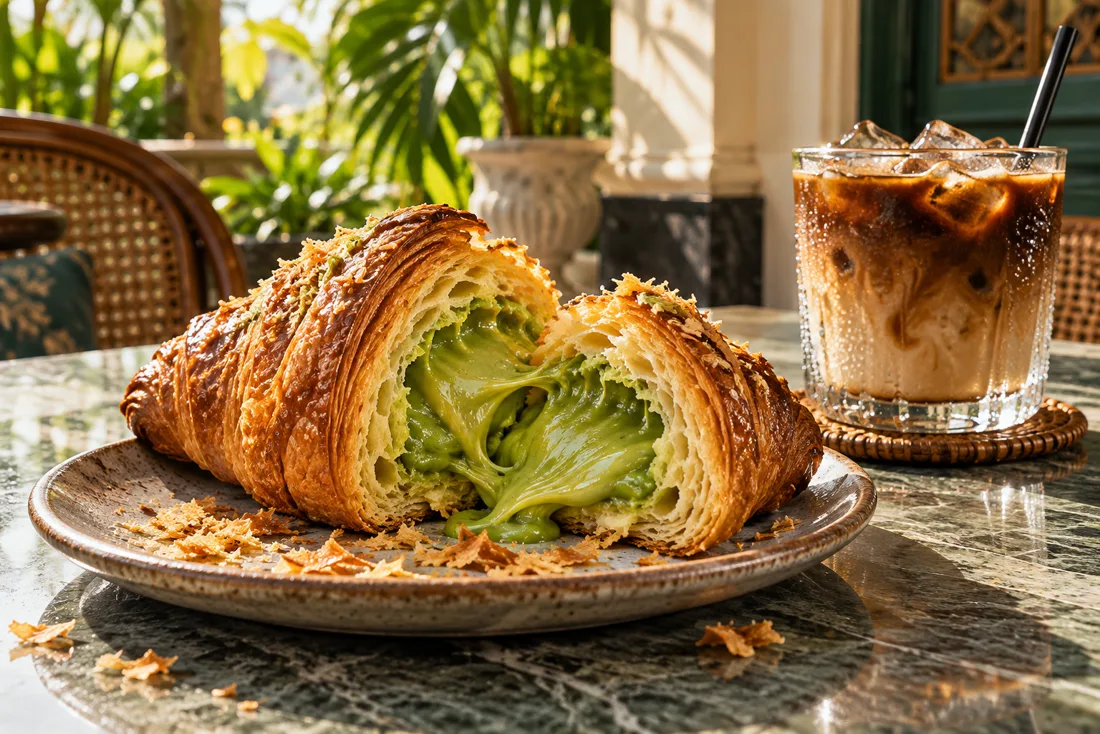

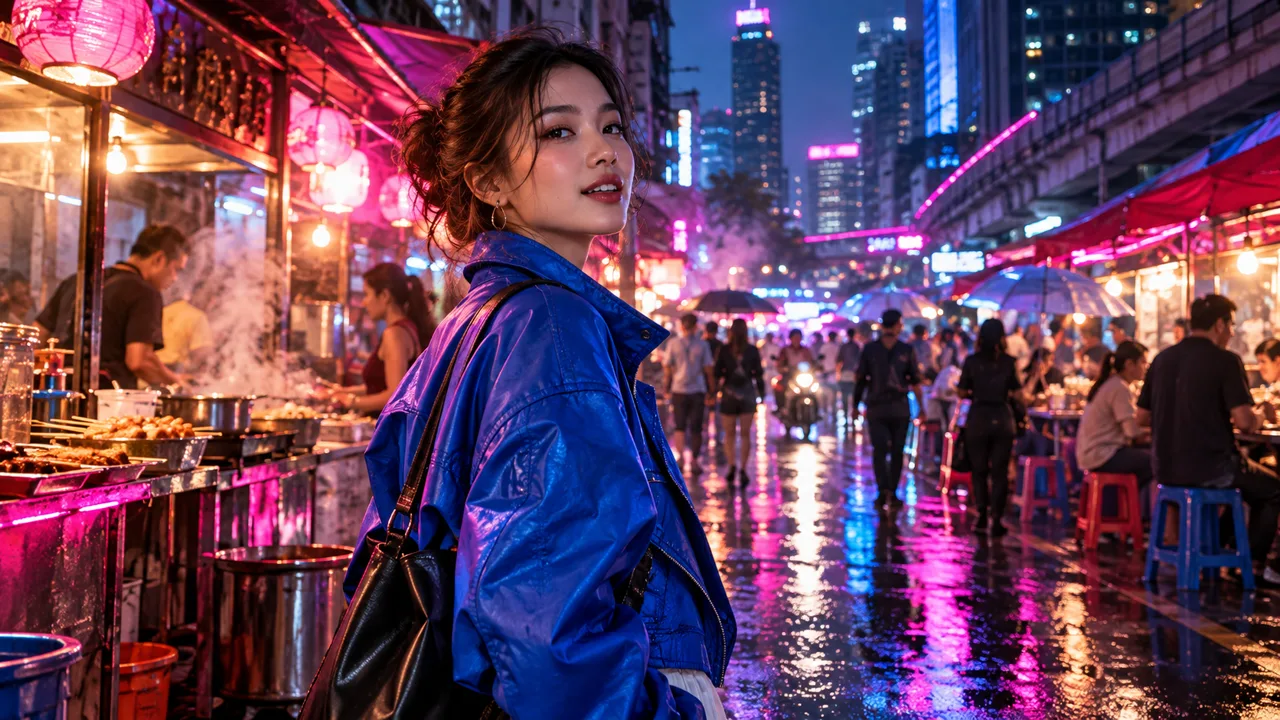
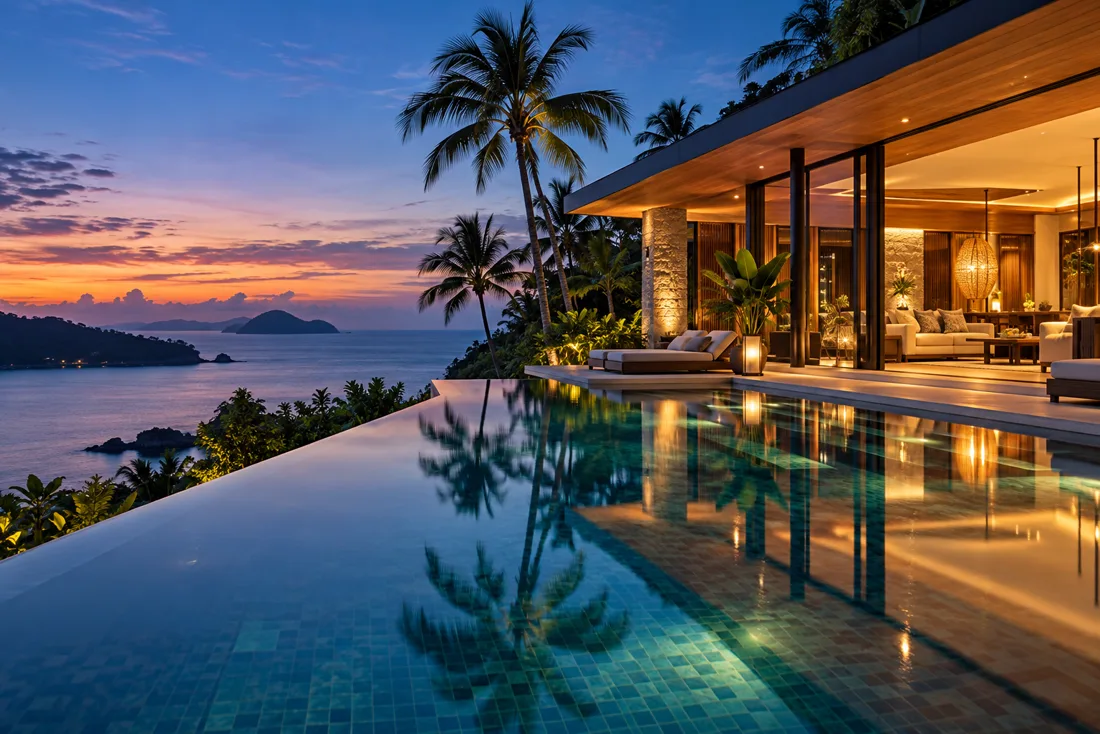
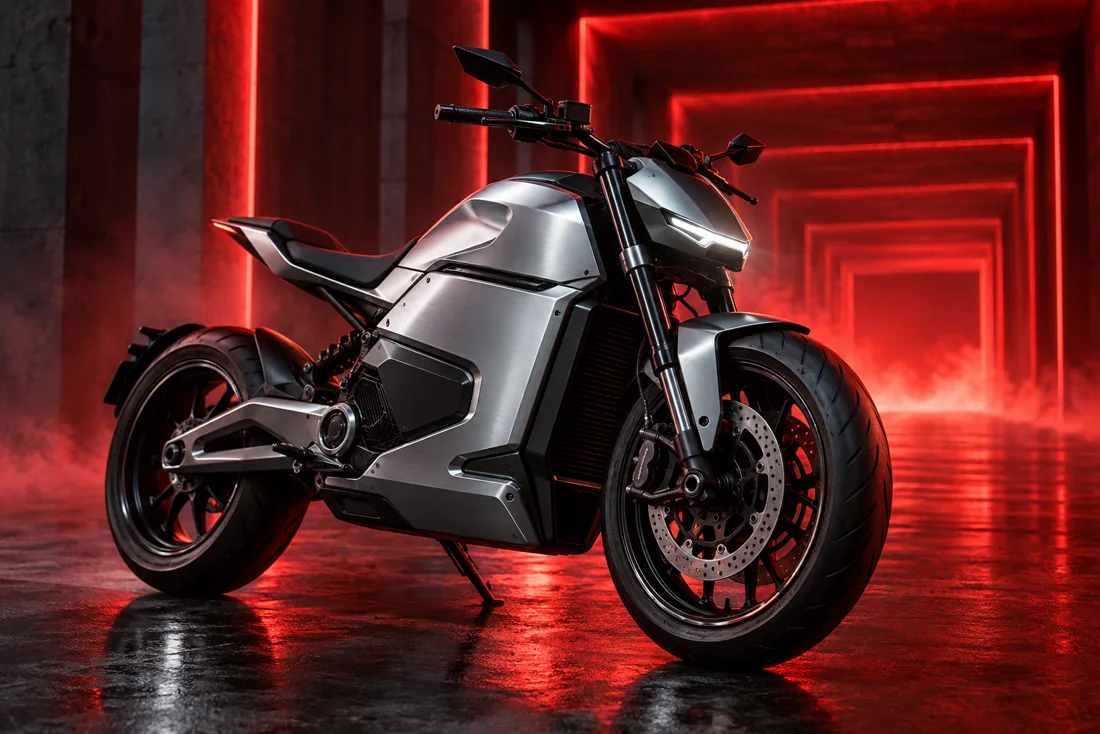
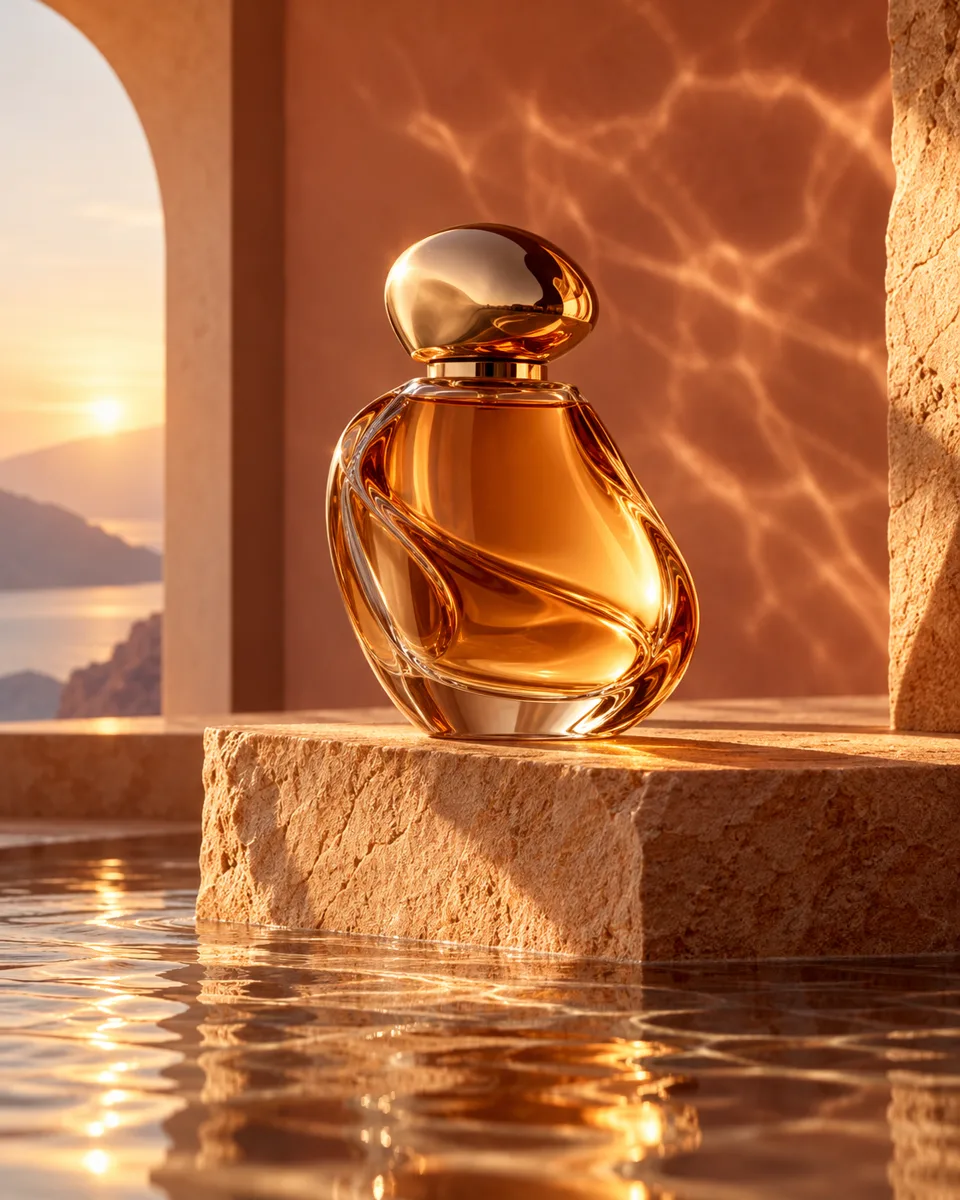
Three short films show how a single idea can become a product story, a food moment, or a place you want to visit.
Light, texture, and a little drama.
Cravings in motion.
A change of scene in seconds.
Three quick cuts move from a wide courtyard fight to the warrior up close, then the gate erupts into fire. Watch with sound for the clashes, ice and blast.
5 sec · 720p · 16:9 · generated audio · motion referenceThese three films were created with MiniMax H3 Turbo at 768P using only a text prompt. Each has three edited shots, showing how a lower-cost model can still bring movement, atmosphere and detail to a story. Explore the model ↗
A rider cuts through city rain. Create this for your brand ↗
A maker story in three shots. Create this for your brand ↗
Three cuts, one striking look. Create this for your brand ↗
Anime, sports TVC, handheld UGC and movie action. Four original 8-second films, each built from three clear shots with active camera work. Find the creative direction for your next campaign.
An anime courier leaps across rooftops. Create this for your brand ↗
An athletic shoe story at full speed. Create this for your brand ↗
A lively handheld run after dark. Create this for your brand ↗
A chase through a rain-soaked harbor. Create this for your brand ↗
Keep the conversation, references and results together. Choose an industry template or Creative task, then refine the direction with the assistant.
Tell the assistant your product, audience and goal. It asks for missing details and prepares a creative brief. Refine it in the same chat, review the estimated credits, then generate when your account has access.
See the creation flow ↗Select Poster ad design to develop artwork with product placement, expressive typography, approved copy and a clear CTA. Start from an industry sample or describe your style; review the direction before generating.
Compare image models ↗Choose Video, a model and duration. Open Options for supported ratios and resolutions. Describe camera movement and shots; attach opening frames or multiple references where supported. Longer edits and combining clips are separate editing steps.
Compare video models ↗Open + to add images, documents, video or audio. Images appear as thumbnails: choose Product, Character, Scene, Environment or Style from each image’s menu. The selected model determines which references can be used in generation.
How references work ↗Create narration in Voice Studio with preset voices or a voice reference you have permission to use. Download the speech recording and upload it to Avatar creation to animate a portrait.
Explore the workspace ↗Browse templates by industry and content type, then adapt a direction to your own product. Projects save your chat, composer settings and references so you can reopen them and continue creating.
Create content for your brand ↗Choose Music in the chat composer. Describe the mood, genre and instruments, or plan an original song with lyrics. Review the model, duration and credits, then listen to and download the generated track.
Open the workspace ↗Compare model choices, see a credit estimate for supported requests and track usage in your account. See your plan, billing and usage in Settings. Generation requires an eligible account and sufficient credits.
See plans and credits ↗Select Avatar creation under Creative task, upload one portrait and a speech recording, then choose an avatar model. Speech sets the duration; the portrait sets the appearance. Review the credit estimate before creating.
Learn avatar creation ↗Upload a short video or paste a supported public video link. Analyze its scenes and camera movement, review the suggested recreation prompt and bring it into chat to adapt for your brand. Available to admins during the pilot.
Explore video analysis ↗Projects and navigation on the left. Your conversation in the centre. Generated results on the right. Drag the dividers to give your work more room.
Read the step-by-step guide ↗Choose Image, Video or Music, or select Avatar creation under Creative task. Describe what you need, dictate with the microphone, or start from an industry template.
Open + to attach images, documents, video or audio. Set each image’s purpose from its thumbnail. Choose a model; use Options for supported ratios and resolutions, and the duration selector for video or music. Avatars use your speech recording’s length.
Answer the assistant’s questions and refine the direction in chat. Check the prompt, references and credit estimate, then choose Generate when your account has access.
Review and download results on the right. Choose Make video on a completed image to animate it, or Use in chat for another image. Reopen the saved project to continue the conversation.
Use credits for images and video in the same workspace. Each request shows its credit cost before you generate.
Base RM59.00 + 8% SST RM4.72
Total RM63.72 / month
500 credits added after each paid month.
Base RM169.00 + 8% SST RM13.52
Total RM182.52 / month
1,500 credits added after each paid month.
Base RM449.00 + 8% SST RM35.92
Total RM484.92 / month
4,000 credits added after each paid month.
Base RM1800.00 + 8% SST RM144.00
Total RM1944.00
16,000 credits to use until spent.
Buy once whenever you need more credits. Every pack adds to the same balance.
Base RM20.00 + 8% SST RM1.60
Total RM21.60
Up to 30 Nano Banana 2.1 1K images
or 15 MiniMax H3 Turbo 480P videos of 5 seconds.
Base RM50.00 + 8% SST RM4.00
Total RM54.00
Up to 84 Nano Banana 2.1 1K images
or 42 MiniMax H3 Turbo 480P videos of 5 seconds.
Base RM150.00 + 8% SST RM12.00
Total RM162.00
Up to 260 Nano Banana 2.1 1K images
or 130 MiniMax H3 Turbo 480P videos of 5 seconds.
Base RM500.00 + 8% SST RM40.00
Total RM540.00
Up to 880 Nano Banana 2.1 1K images
or 440 MiniMax H3 Turbo 480P videos of 5 seconds.
Examples use all credits on one model; image and video counts are alternatives, not separate allowances. Your actual count changes with model, resolution, duration and credit rates. Credits from monthly plans and one-time packs share one balance and remain until used. Accounts are currently invite-only; customer generation and checkout open after the pilot.
Leave your details and our team will contact you by email when Studio access is ready. Requesting an invite does not create an account or start a subscription.
Already invited? Sign in ↗An admin creates accounts during the private pilot. Sign in to explore the workspace and see your current credits.